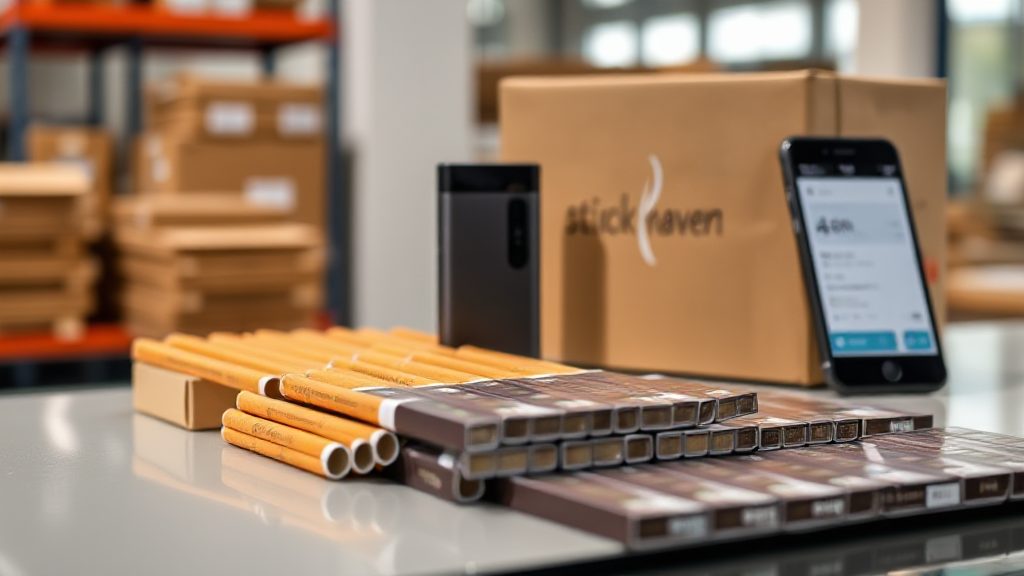
Following a TEREA Order From Warehouse to Doorstep
Your order confirmation appears on screen, the payment clears, and a TEREA pack begins a journey that most shoppers never see. If you have ever browsed a TEREA sticks catalogue and wondered what happens after you hit checkout, this chronological walk through the signal path answers that question. The route runs through five stages: order capture, warehouse picking, packing, dispatch, and delivery tracking.
Each stage has its own handoffs, checks, and small delays that can affect when your pack arrives. Understanding them helps you read tracking updates correctly and plan your next order with fewer surprises.
Stage 1: Order Capture and Confirmation
The moment you complete checkout, the order enters the retailer’s system as a pending record. This is not yet a warehouse instruction; it is a promise that needs verification. The system checks stock availability against the specific TEREA variant you selected, confirms the delivery address, and validates the payment method.
Most delays at this stage come from mismatched details rather than stock shortages. A missing apartment number, an expired card, or a postcode that does not match the city can hold an order in review. Accurate address and payment details are the single biggest factor in same-day dispatch.
Once verification passes, the order receives a unique reference and moves to the picking queue. At this point, you should receive a confirmation email listing the exact items, quantities, and expected dispatch window. Keep that email; it is your reference if tracking later shows an unexpected status.
Stage 2: Warehouse Picking and Quality Checks
Picking is where a digital order becomes a physical pack. A warehouse operator receives a pick list that maps each TEREA variant to a specific shelf or bin location. Because heated tobacco sticks are sold in sealed packs, the picker selects the correct flavour and strength rather than counting loose items.
How the pick list is organised
Pick lists are usually sorted by location to reduce walking time. An efficient route moves through the warehouse in a loop, collecting each item in sequence. This is why a multi-item order does not necessarily take longer to pick than a single-pack order.
What the quality check looks for
Before an item leaves the picking area, a second check confirms the pack matches the order line. The checker looks for damaged packaging, incorrect variant codes, and expired or near-expiry stock. A pack that fails this check is pulled and replaced before packing begins.
This stage is also where substitutions would occur if an item were out of stock. Reputable retailers contact the buyer before substituting, because flavour and strength are personal choices, not interchangeable defaults.
Stage 3: Packing and Dispatch Preparation
Packing converts a picked item into a shipment. The packer selects an appropriate box or mailer, adds protective material, and seals the parcel. For heated tobacco sticks, the priority is protecting the sealed packs from crushing and moisture during transit.
A dispatch label is then generated with the delivery address and a tracking number. The tracking number is the key that unlocks every later update, so it should appear in your dispatch email as soon as the label is created.
Cut-off times and dispatch windows
Most online retailers set a daily cut-off time. Orders confirmed before the cut-off typically leave the warehouse the same working day; orders after it move to the next working day. Knowing the cut-off time is more useful than knowing the average delivery speed.
Weekends and public holidays shift this schedule. A Friday afternoon order may not physically leave the warehouse until Monday, even if the label was created on Friday. The label creation date and the actual handover to the carrier are two different events.
Stage 4: Handover to the Delivery Network
Once the parcel is sealed and labelled, it waits for the carrier’s collection. The handover scan is the moment the parcel officially enters the delivery network. From here, the tracking status changes from “label created” or “processing” to “in transit” or “collected”.
The parcel then moves through the carrier’s sorting hubs. Each hub scan updates the tracking record, which is why you may see the same status repeated for a day or two while the parcel travels between regional facilities.
Reading tracking statuses correctly
- Processing: the order is confirmed but not yet packed.
- Label created: a tracking number exists, but the carrier may not have the parcel yet.
- In transit: the parcel is moving through the carrier’s network.
- Out for delivery: the parcel is on the final vehicle for your address.
- Delivered: the carrier has recorded a handover at the destination.
If a status seems stuck, compare the timestamp with the expected transit time for your region. A parcel that shows “in transit” for three days is usually normal for long-distance routes, while one that shows “label created” for three days may indicate the carrier never received it.
Stage 5: Final Delivery and What to Do If the Signal Drops
The final stage begins when the parcel is loaded onto a delivery vehicle and marked out for delivery. This is the most time-sensitive part of the journey, because the delivery address must be accessible and someone must be available to receive the parcel or approve a safe place.
If the carrier cannot complete delivery, the parcel usually returns to a local depot or pickup point. The tracking record should show an attempted delivery and instructions for the next step. Acting on a failed delivery notice within the first day prevents the parcel from being returned to the sender.
When an order does not arrive within the expected window, work backwards through the stages. Check the dispatch email for the handover date, then compare it with the first carrier scan. If the gap is longer than a working day, contact the retailer with your order reference and tracking number. Most issues resolve at the handover point, where a label was created but the parcel was not collected.
Following this path once makes future orders easier to plan. You will know which stage matters for your schedule, when to expect the first meaningful tracking update, and how quickly to act if the signal drops between warehouse and doorstep.